The best laptop I've ever owned
at least so far
I recently acquired a lovely little laptop. It represents a pleasant departure from the soldered-ram, proprietary drive, non-repairable designs that dominate modern consumer devices. The battery is trivial to replace: it slides right out. The drive uses a standard interface, making storage upgrades trivial. RAM is on a series of modules that can be added, removed, or upgraded at will. Even the processor itself sits on a standalone module that can be replaced without tools to upgrade process cache. Granted, this model has few built-in ports. Instead, an assortment of tiny addon modules snap in to provide WiFi, ethernet, additional mass storage, and so on. Each of these modules is small, cheap, hot-swappable, and available from a variety of sources. Even the outward appearance is customizable: the cover slides off to accept colorful little inserts. So little of this laptop is fixed that it is arguably more of a laptop "framework" used to build the ideal machine of each user.
Read On
I am talking, of course, about the PowerBook 1400cs. I found it sitting outside the local e-waste dump/children's museum. Someone had thrown it away! At the dump! It was going to be recycled! I scooped it right up. It lacked the speaker grille, hard drive, and charger. Plus the battery refused to hold a charge. All fixable, though! I got a puck charger, recelled the battery, and installed a CF Card + adapter. Everything works, save one major disappointment: the PRAM battery is dead, and even after replacement the dead PRAM symptoms persist: time resets when unplugged, can't be shut down on battery power, etc. The plastic case doesn't feel like it could survive another disassembly, so I've left well enough alone.
But I can look past those minor annoyances. Let's go back in time! To when things were better in some ways and worse in others!
Install app store
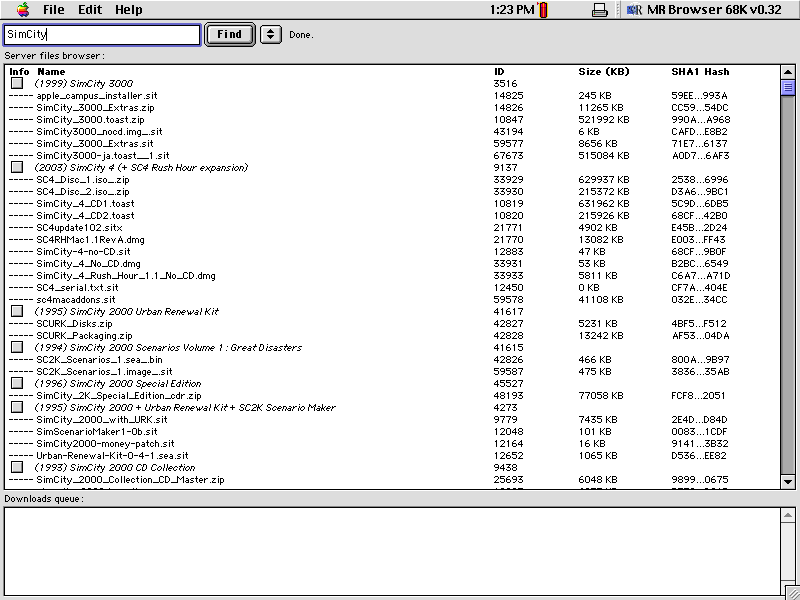
Not much software comes with the machine, so I copied over an app store called MR Browser. Unlike the App Store, this app store is devoid of modern conveniences like first use tutorials, user reviews, video previews, shovelware, ads, or scams. Consequently, it is very quick and pleasant to find what you're looking for.
Ooh, a game. Let's play! SimCity 2000 holds up reasonably well. If you grew up in a United States suburb, it will be very intuitive how you should arrange the city. Otherwise, it will be completely baffling.
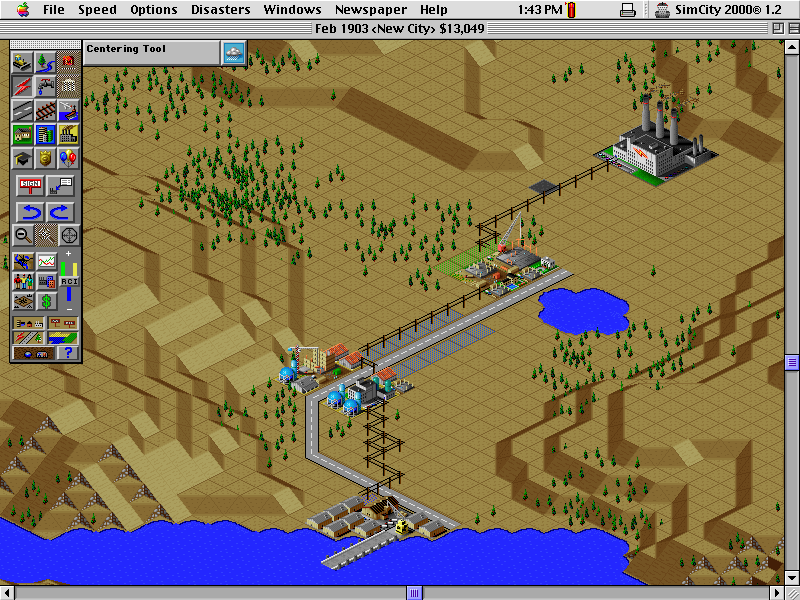
Ehh. My city bores me.
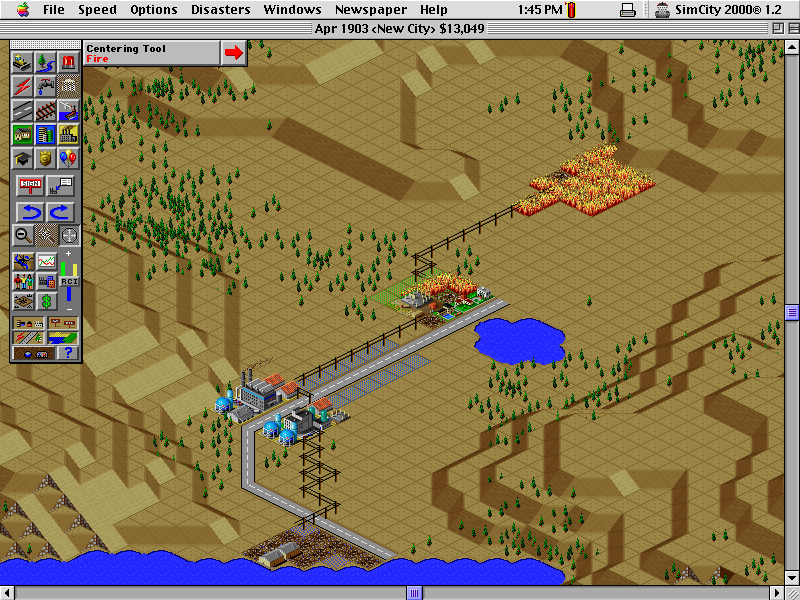
That's better.
Tablet
Now it's time for something creative: I'm going to create a sketch of this laptop, to capture not just how it looks but how it feels. To that end, I'm going to use this little tablet I got:
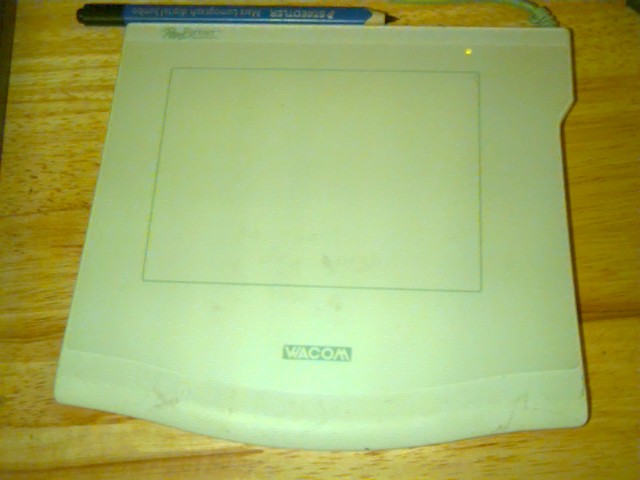
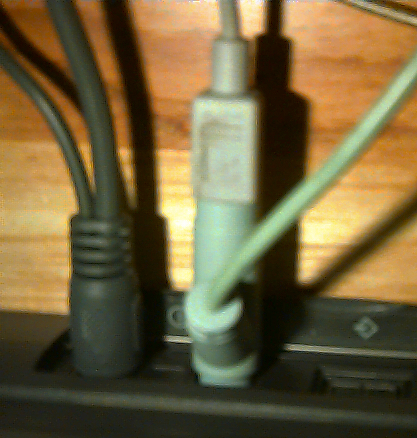
It didn't come with a stylus, but any EMR stylus will do. Holding it makes me feel like an architect. Connecting the tablet occupies the only ADB port, but since ADB supports daisy chaining I can still connect the mouse
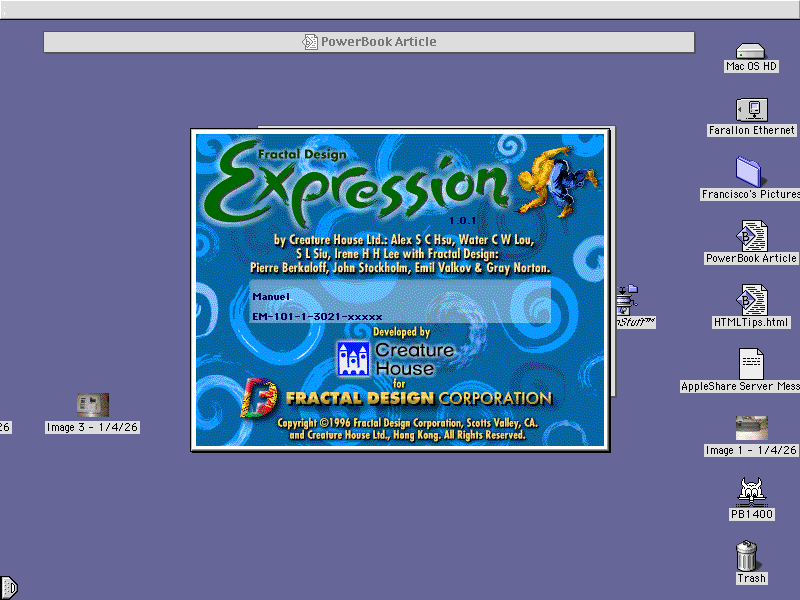
For software, I'm going to use Fractal Design Expression, which replicates the experience of painting with physical media. I assume.
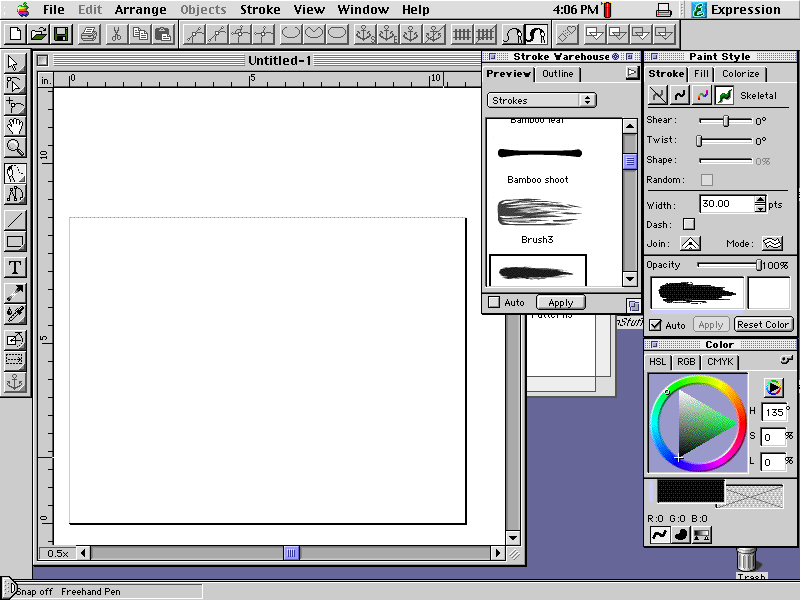
Ah, the blank page. So inviting, so daunting. But after some careful work, it is done:

Um, the palm rejection doesn't work very well. I'll need to find a different way to capture the outward appearance.
Taking pictures
Cameras are more forgiving than the brush, and fortunately I have one. The QuickTake 150 is first afforable digital camera, both in terms of when it was made and how much I love it.
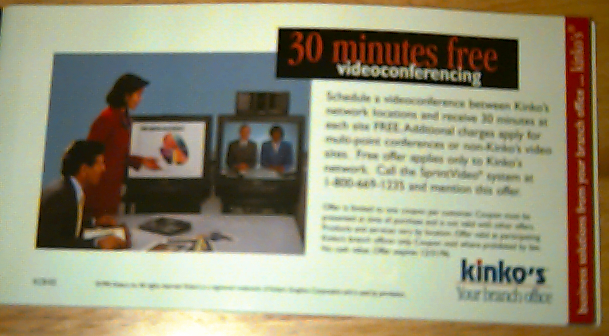
It's a nice machine, but I've had a devil of a time getting the included coupons honored.
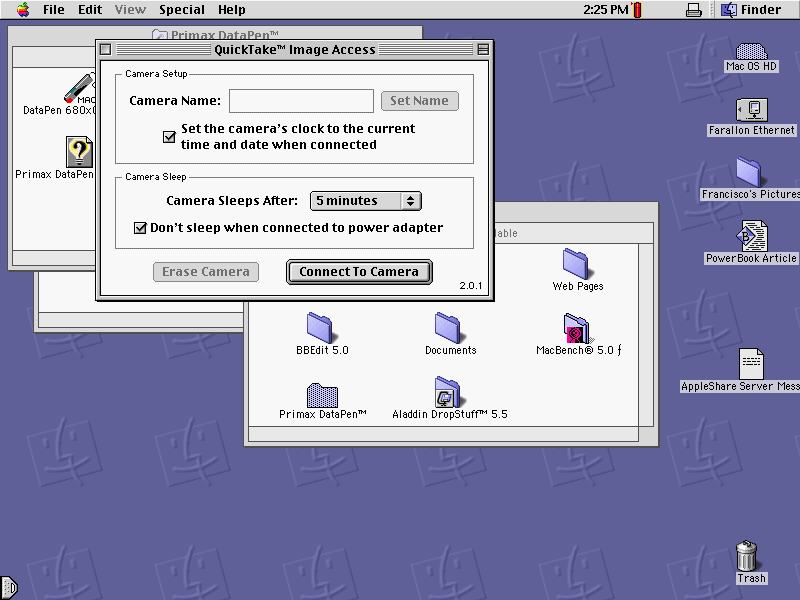
In any case, pictures transfer over serial. My serial port is occupied by a Primax DataPen, but it supports daisy chaining. I plug the camera into the Primax, and push the button to switch between Primax and downstream device (in this case, the camera). Connecting to the camera happens via the QuickTake control panel.
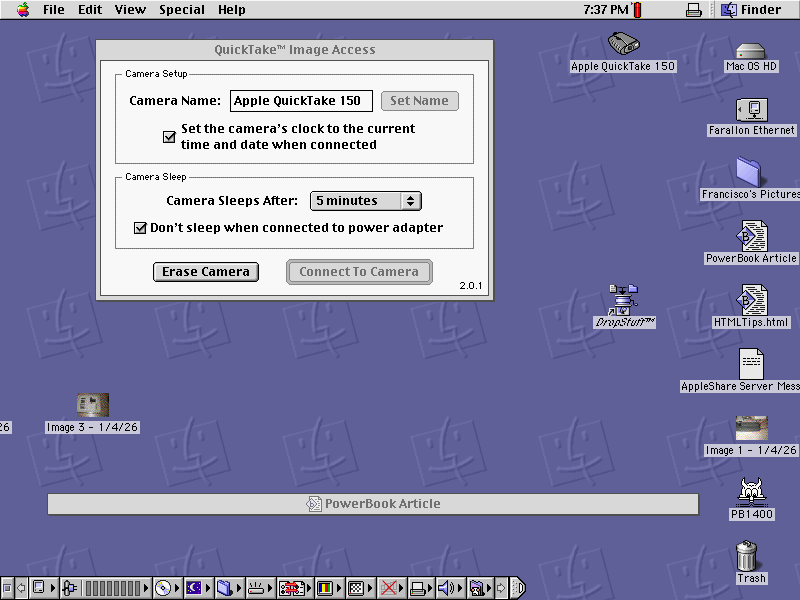
After connecting, a new icon appears on the desktop.
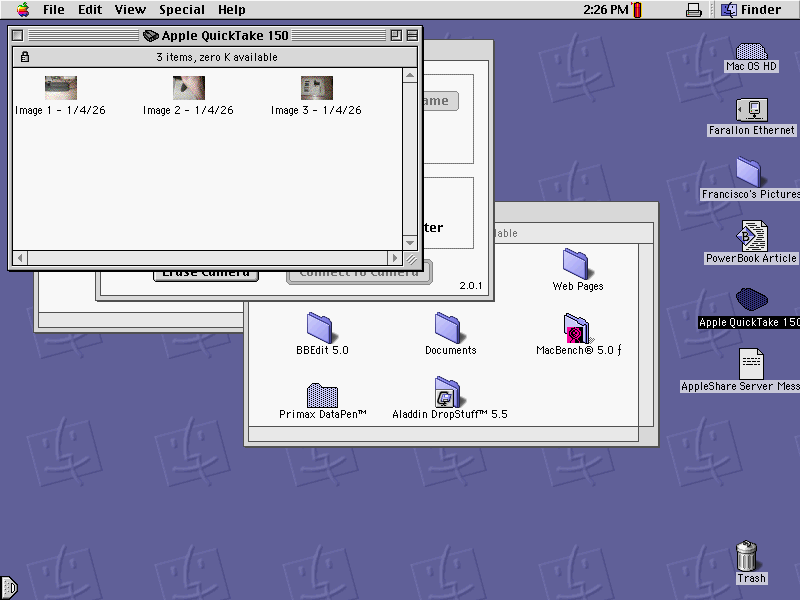
Double-clicking reveals a folder of pictures. They can be dragged anywhere, like regular files. Neat!
Editing Photos
Some pictures need light retouching. QuickTake cameras came with PhotoFlash, which is capable of basic retouching. Images can be opened directly from the camera.
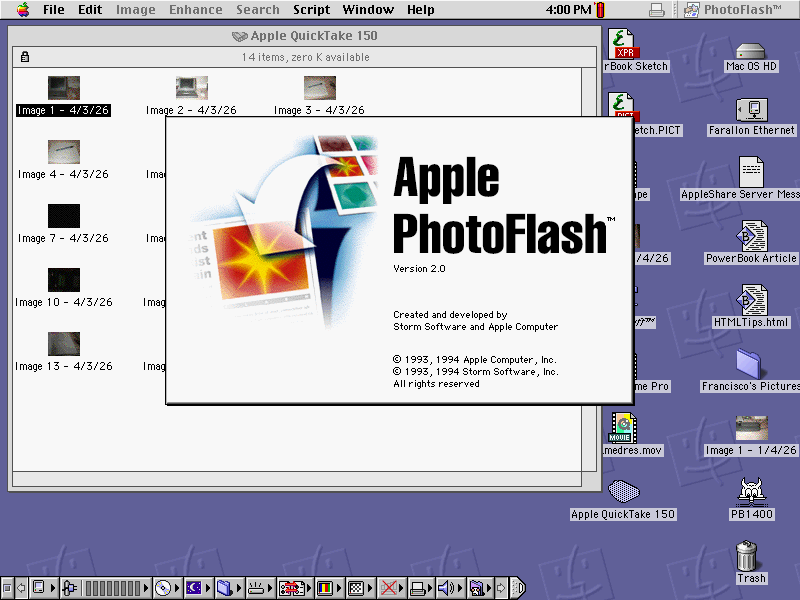
Exposure, white balance, cropping: all these and more (but not many more) are adjustable. In this case, I want to straighten it out.
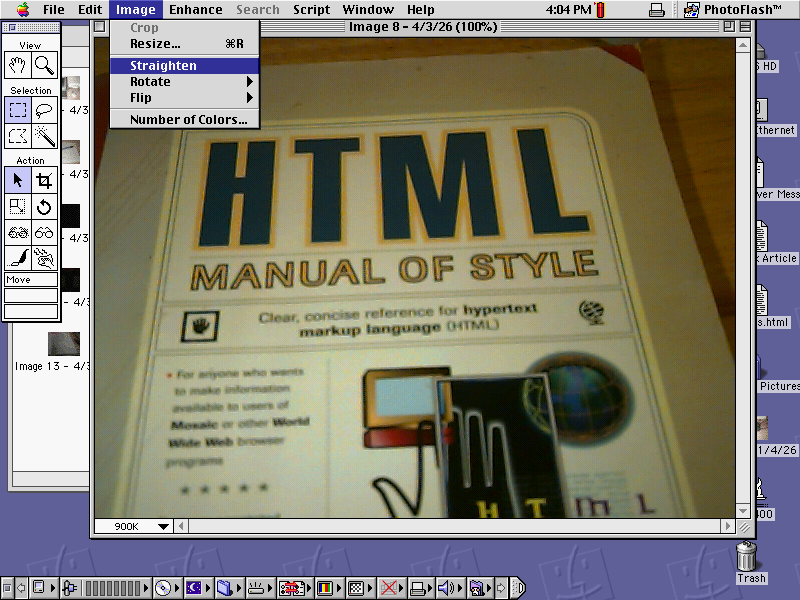
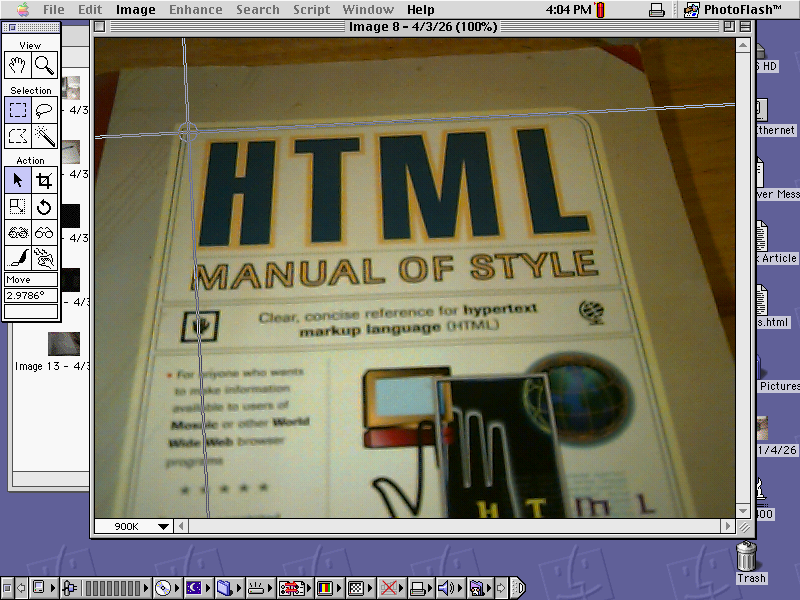
The straighten tool is nicely implemented.
ScreenSnapz
Camera photos don't do the applications full justice, especially with the aging screen. To better illustrate the user experience, I need screenshots. That wasn't yet built into the OS, but one quick trip to the app store later, I have Snapz Pro.
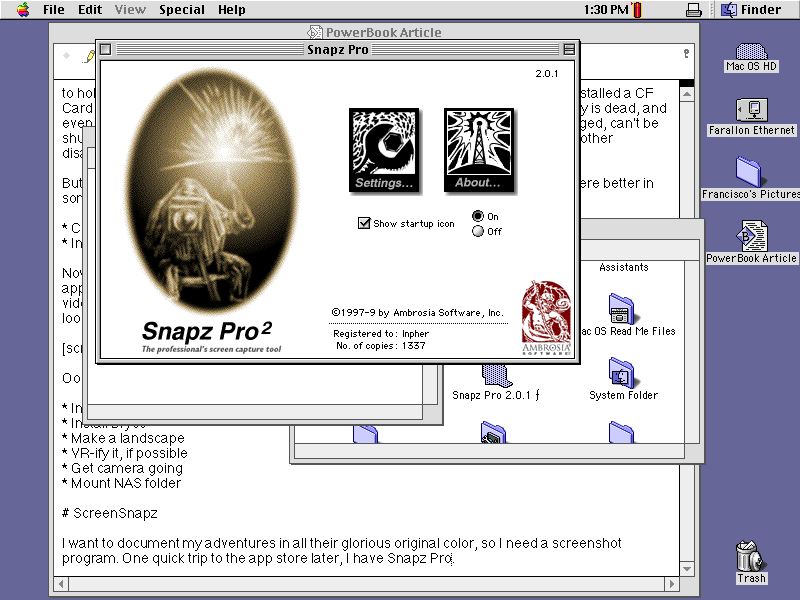
What a fun UI; they don't make them like that anymore.
I configure Cmd+Opt+Shift+S as the shortcutting, and pressing that chord makes the screen flash. But where are the pictures? Good thing that, like all software of a certain age, it comes with a manual. To the docs!
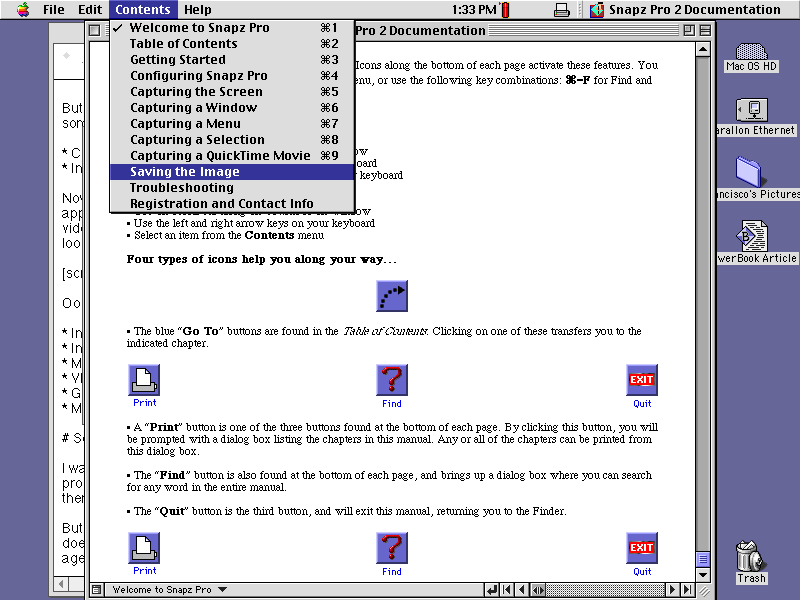
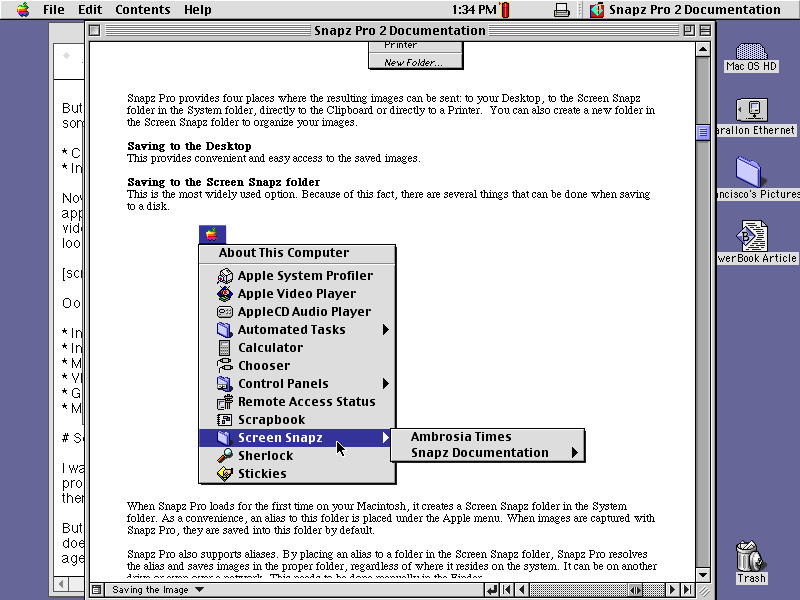
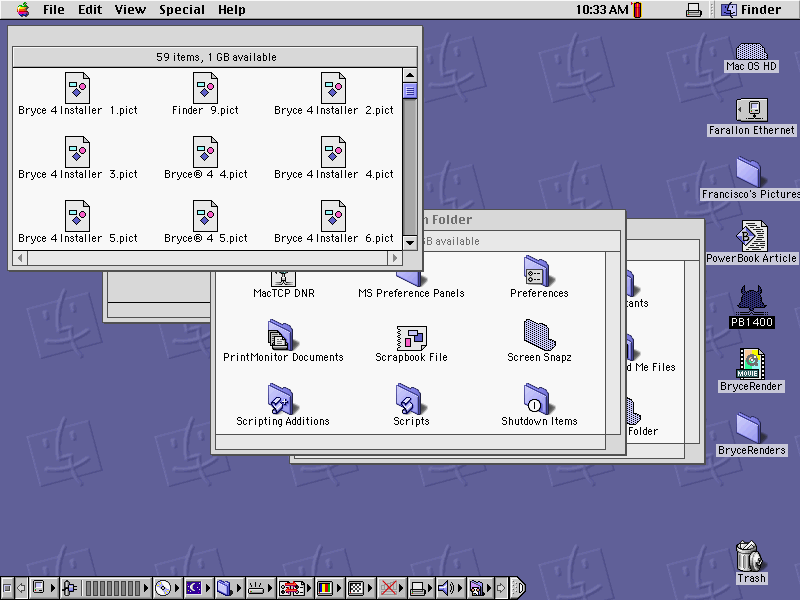
Thank you, the docs. Oh look, as promised: each and every screenshot I have taken.
Making a website
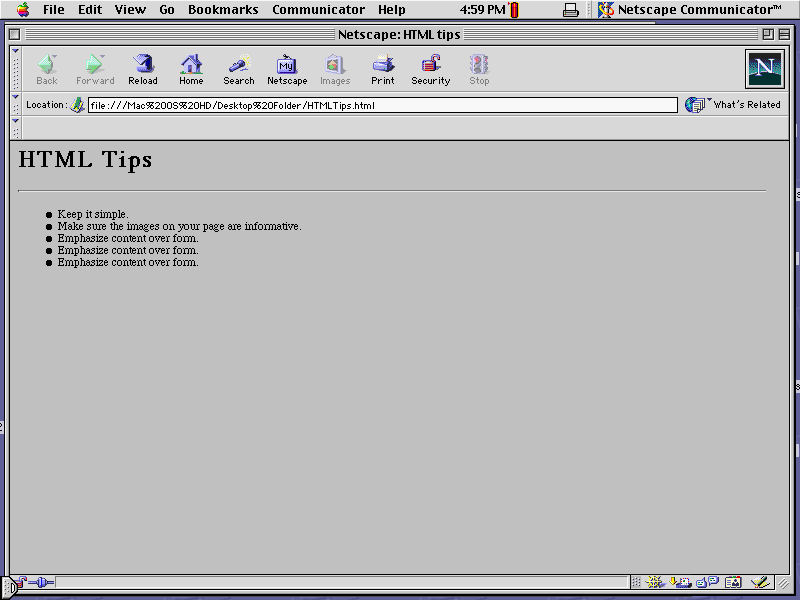
Now I want to put everything together in a little website. It's been a while since I used plain HTML. I'll ask Google.
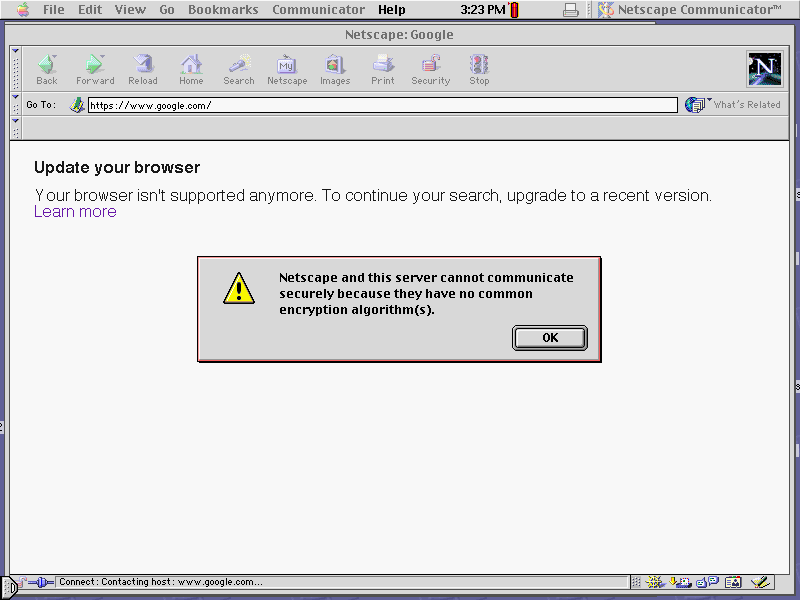
Oh right, I can't: the modern internet uses encryption standards that didn't exist when this version of Netscape Navigator was written. There is no software both old enough to run on this laptop and new enough to browse the modern internet. So I can't use MDN and friends. But that's OK; I have a book!
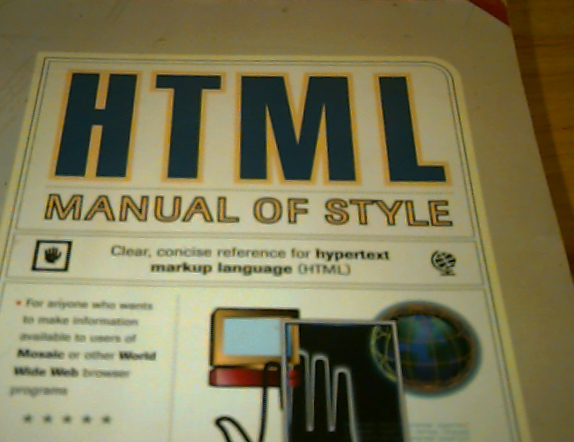
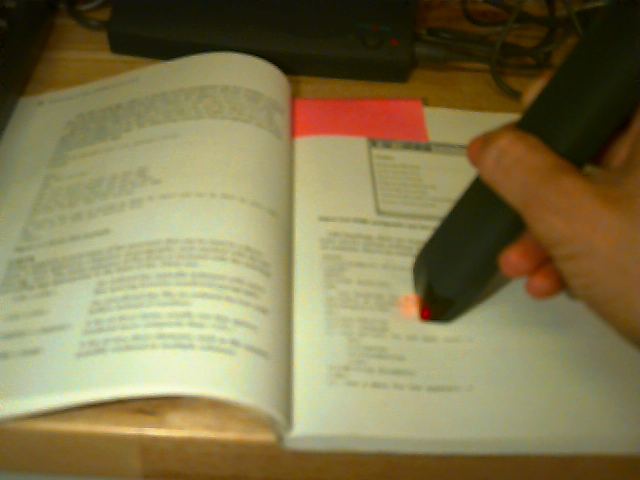
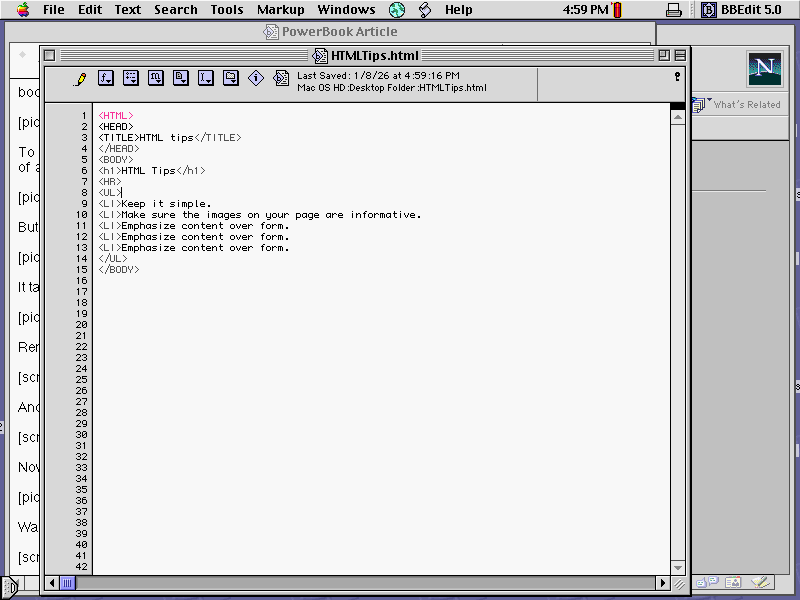
To practice, I'll make a little list of HTML programming tips. My HTML book has a perfect example of an HTML list, but typing it out seems very tedious. Good thing I have a scanner!
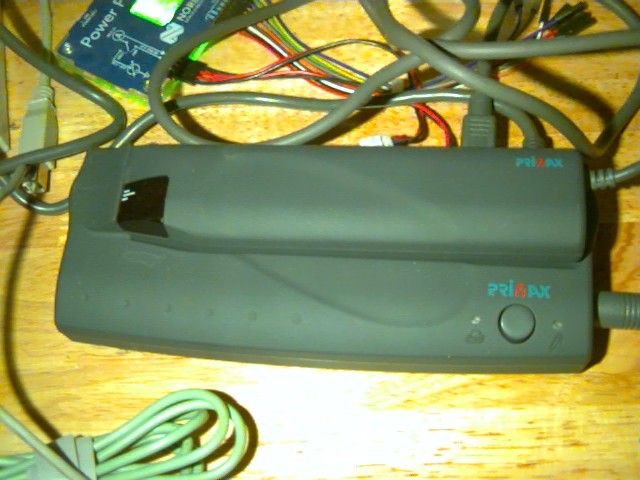
It takes DC power, but since I'm a blogger on the go I'll instead feed it so, so many batteries.
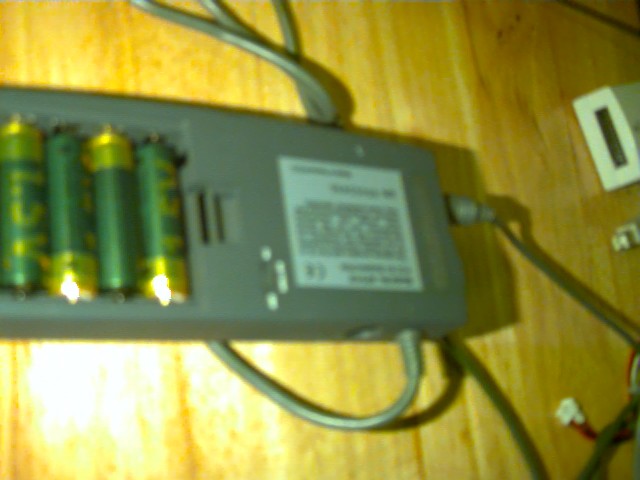
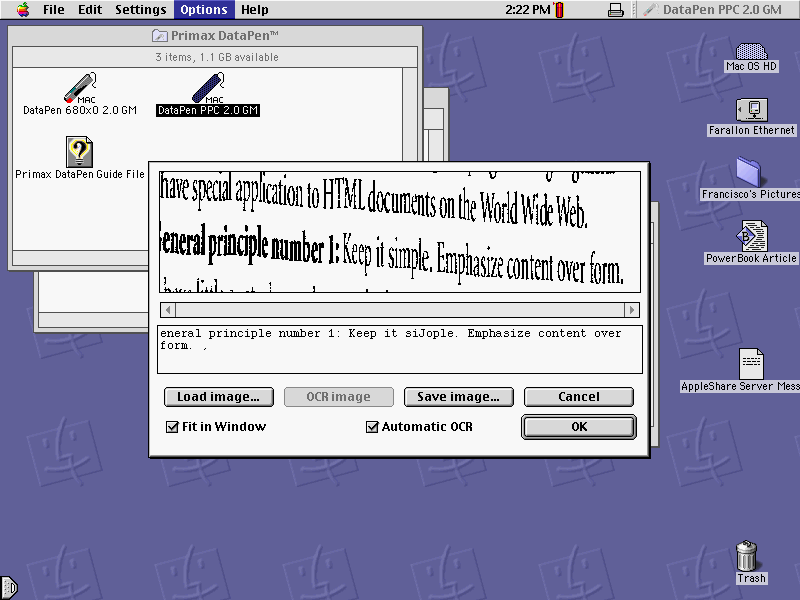
Five seems like a wrong number. Remember to turn off when not in use, or you'll need five more after a few hours. The companion software allows previewing scans:
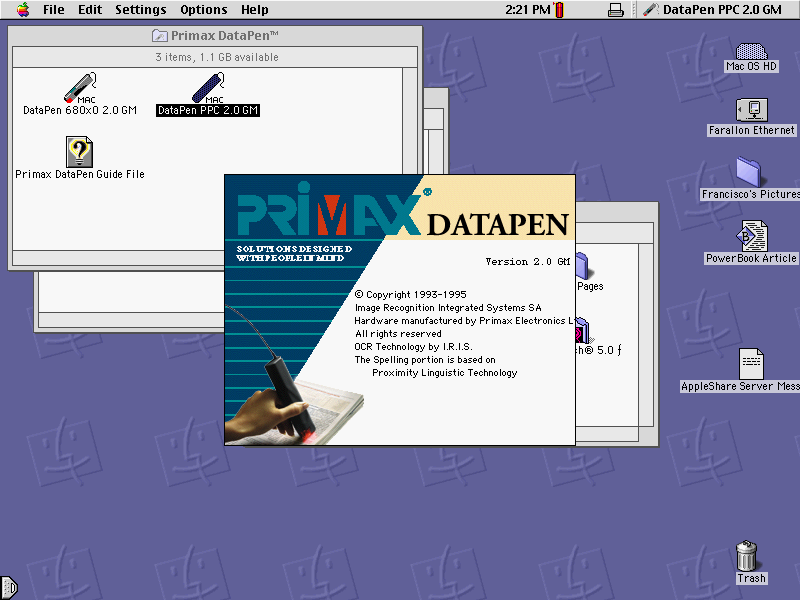
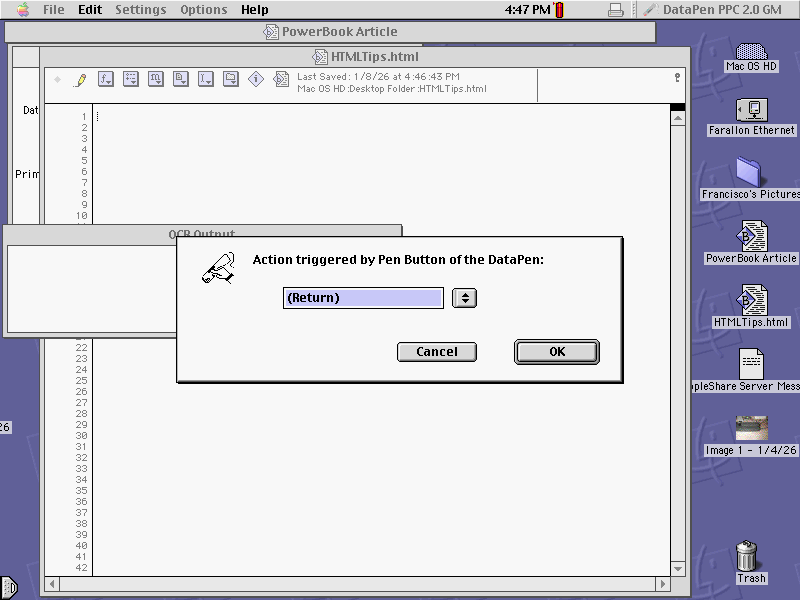
And changing the pen button behavior. Return is a good choice.
Now let's scan the example, to save the tedium of typing it in.
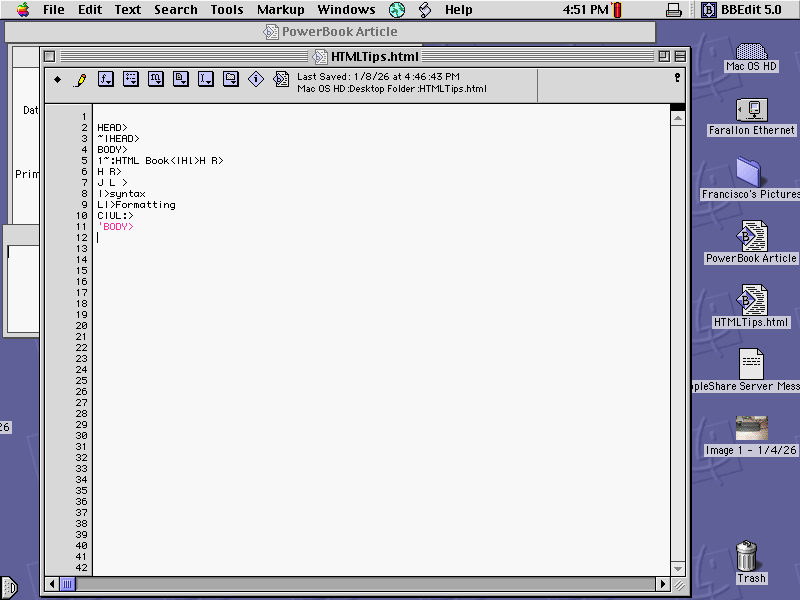
Was that faster than typing? Who can say. After cleaning it up:
VR
All that effort has tuckered me out; I'd like to spend some time consuming instead of creating. I have QuickTime installed, which supports virtual reality experiences. Let's take a look at one.
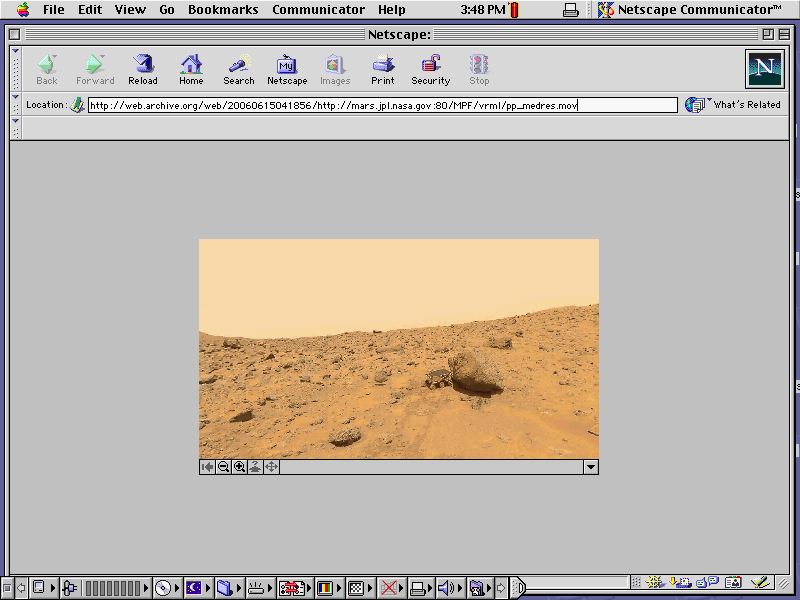
It's like I'm there! Hardly seems necessary to go anymore. These files are self-contained, so I can download to enjoy locally even when I'm offline. I can keep the file forever, even if the original website should stop working for some reason.
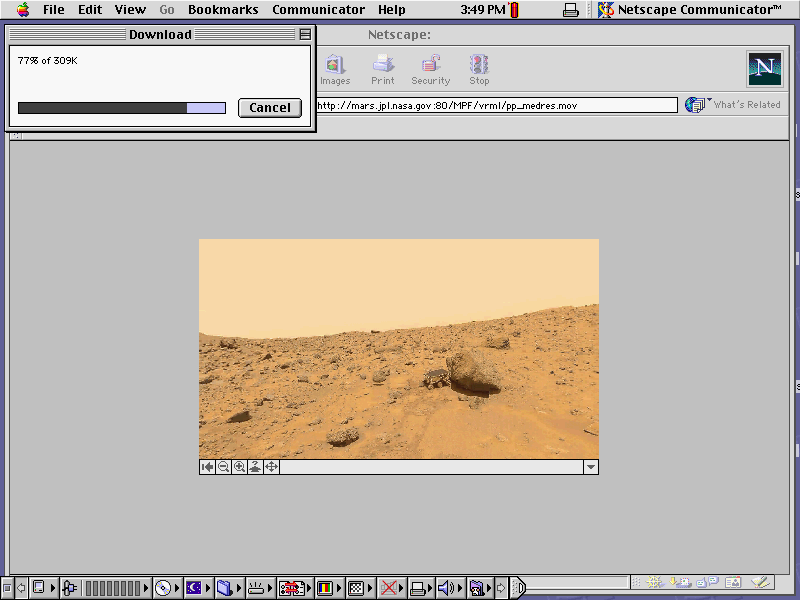
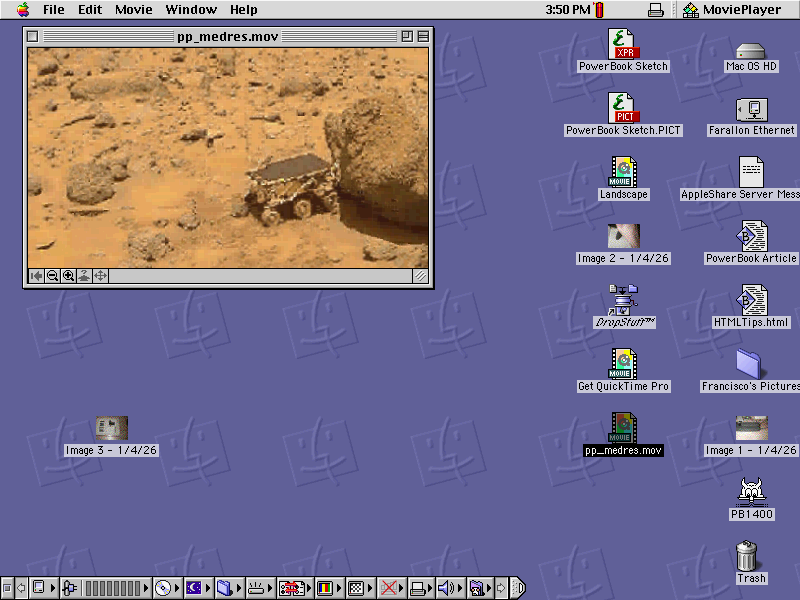
Who's that little cutie peeking out behind the rock?
Conclusion
This laptop is a pleasant echo of the modern computer experience: completely familiar, and also better. Using it feels like hefting a completely passive tool, in a good way. It never does anything, except in response to an action I've taken. Compare the MacOS desktop:
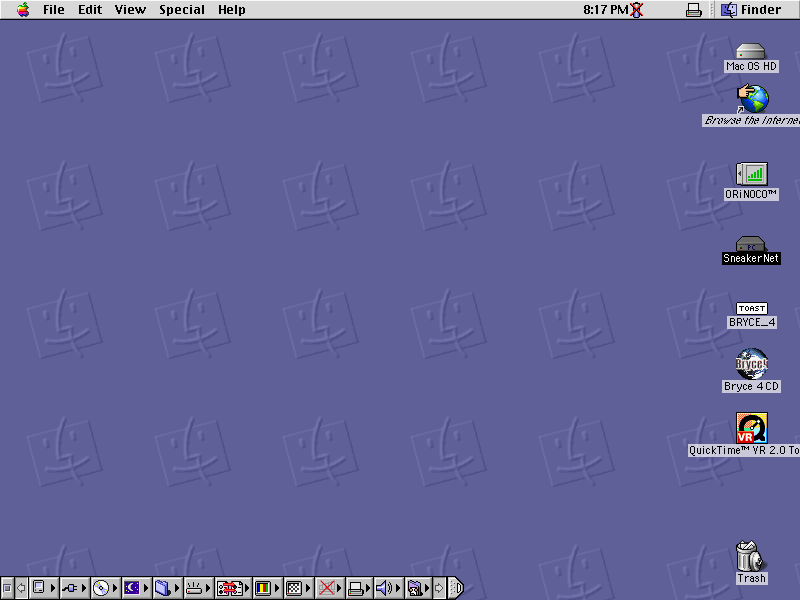
to any modern computing device. Instead of a bubbling stew of ads, notifications, and calls-to-action it's completely blank, except for essentials or things I've intentionally placed. If I don't do anything, it doesn't do anything.
The other big difference has to do with speed. Part of it is objective: older hardware tends to have lower input latency (as Dan Luu describes), and for most tasks input latency determines perceived speed. But the other difference is psychological: when the PowerBook is slow, it's because of physical constraints. RAM was expensive and hard to make, so there's only a little bit. IC features were much larger, so the processor can do less. Every slow interaction feels fair; the hardware and software engineers did the best they could. Modern machines, however, are usually slow because of bullshit. Acrobat Reader installs slowly because it needs to ping through a bizarre chain of installers, each one triggering the next in line. Webpages load slowly because of a bunch of tracking scripts that populate dashboards no one will ever use. The PowerBook is slow because of physical limitations that have been grindingly overcome through person-centuries of work, while Modern machines are slow because of collective choice and diffuse incompetence.
I really want to keep this machine and use it daily, but everything I want to do has just a bit too much friction. Browsing the internet doesn't work without a proxy. Publishing things I make is clunky, and needs to be routed through a modern machine anyway. Saddest of all, the hardware shows its age: something is wrong with the PRAM, so the power button doesn't work on battery power. The screen has faint and worsening streaks. The speaker grille is missing, and the hinges are wobbly. This machine is a melting ice cube. Some day it will break completely, and there will be no way for me to repair it. And then I'll have to throw it away, which feels unthinkable.
So I passed it on. At least one more person will be able to feel what I felt while using this bittersweet echo of a better time.